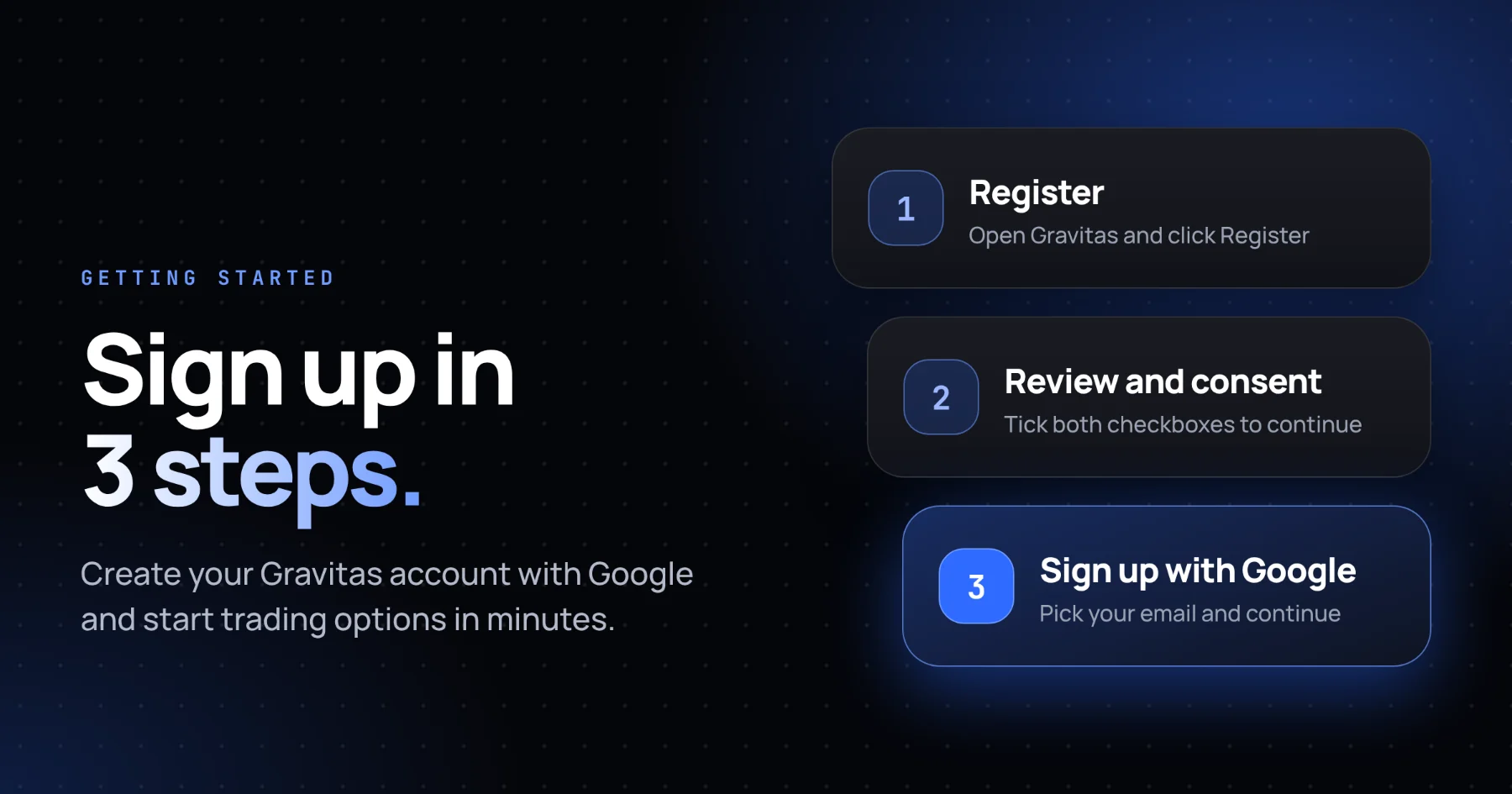
Here is a quick three-step guide to create a new Gravitas account.
Step 1:
Register for a New Account
Open the Gravitas platform and click on Register to begin creating your account.
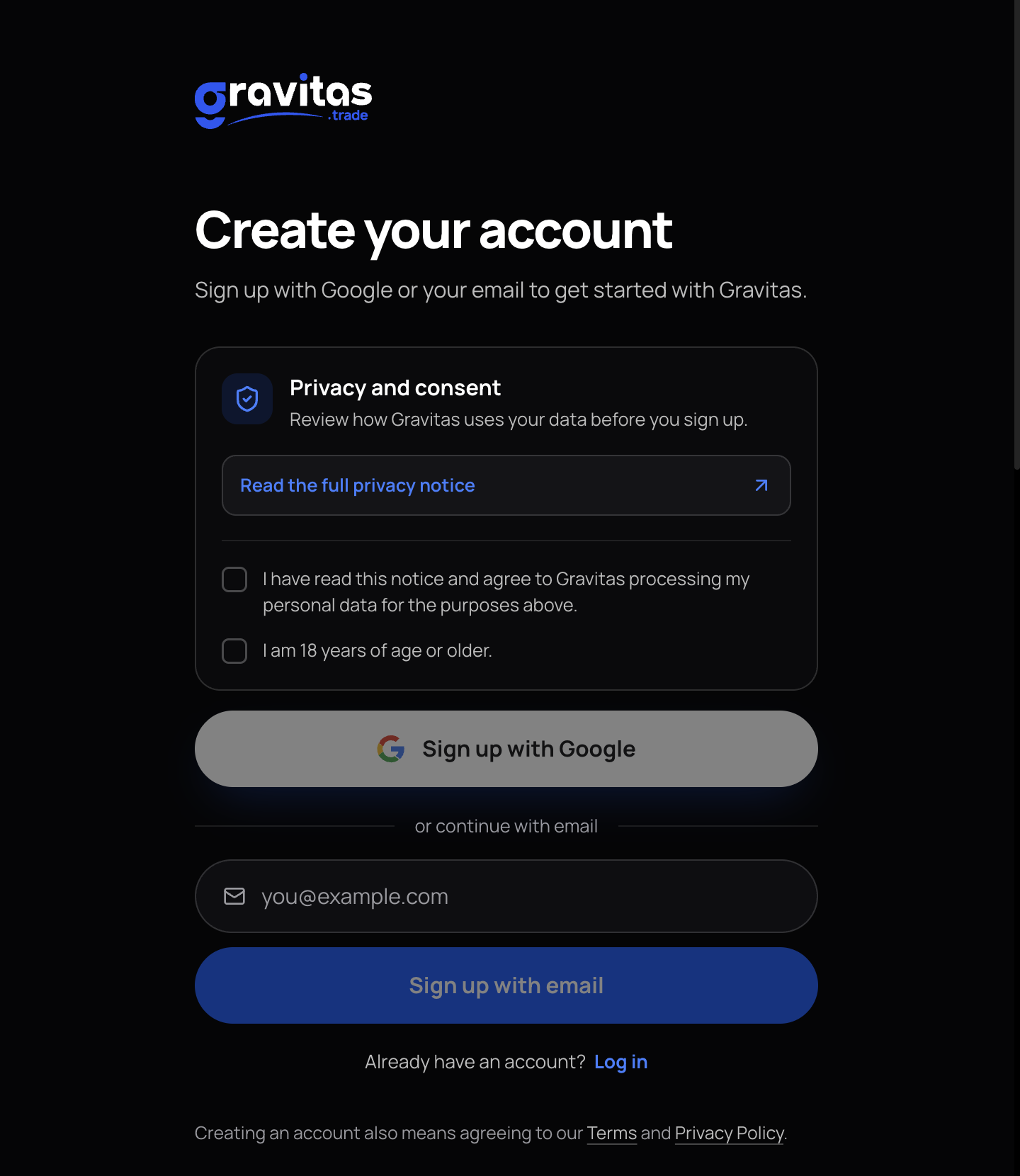
Step 2:
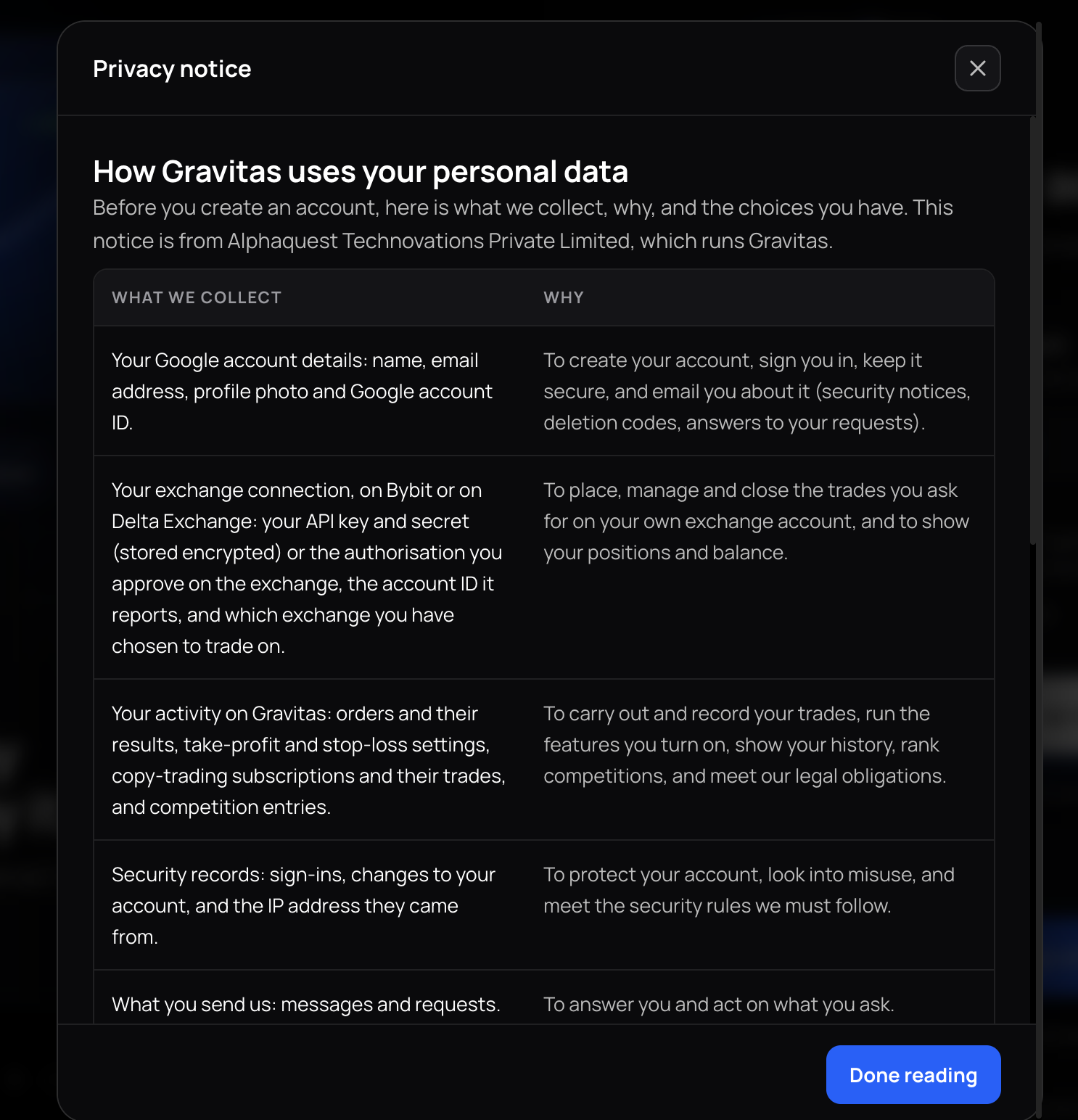
Review Privacy and Consent
The Create Your Account page will appear. Read the privacy information and consent details carefully.
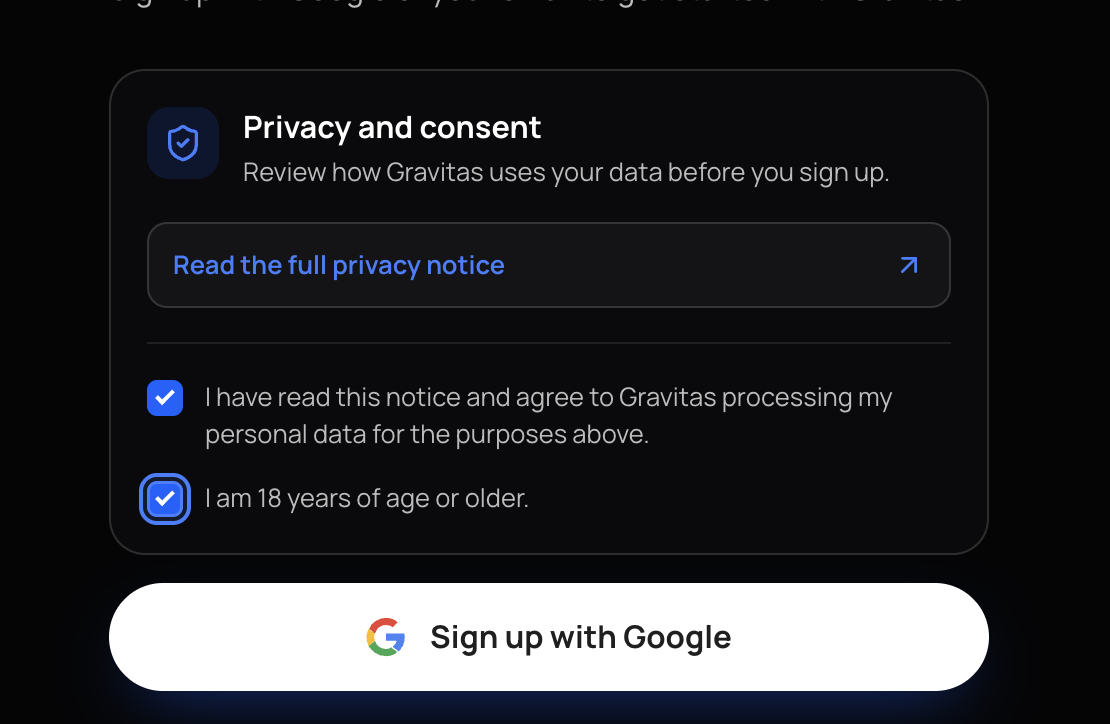
Select both checkboxes to provide your consent.
The second checkbox confirms that you meet the required age criteria.
Once both boxes are checked, proceed to the next step.
Step 3:
Sign Up with Google
Click on Sign Up with Google to register using your Google account.
Select the email address you want to use for Gravitas.
Review and agree to the terms and conditions.
Click Continue to proceed.
That's it! You're all signed up on Gravitas.
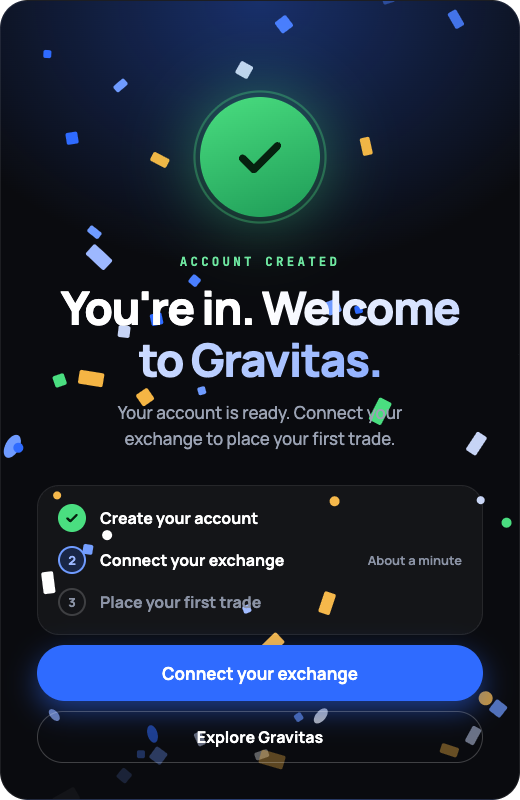
You can now explore the easiest options trading tools out there. Skip the 60-minute options maze and trade in just minutes. Explore Gravitas today.